Vehicle Compatibility
No specific vehicle compatibility; universal dashcam
Product details and technical data
- Dear customer
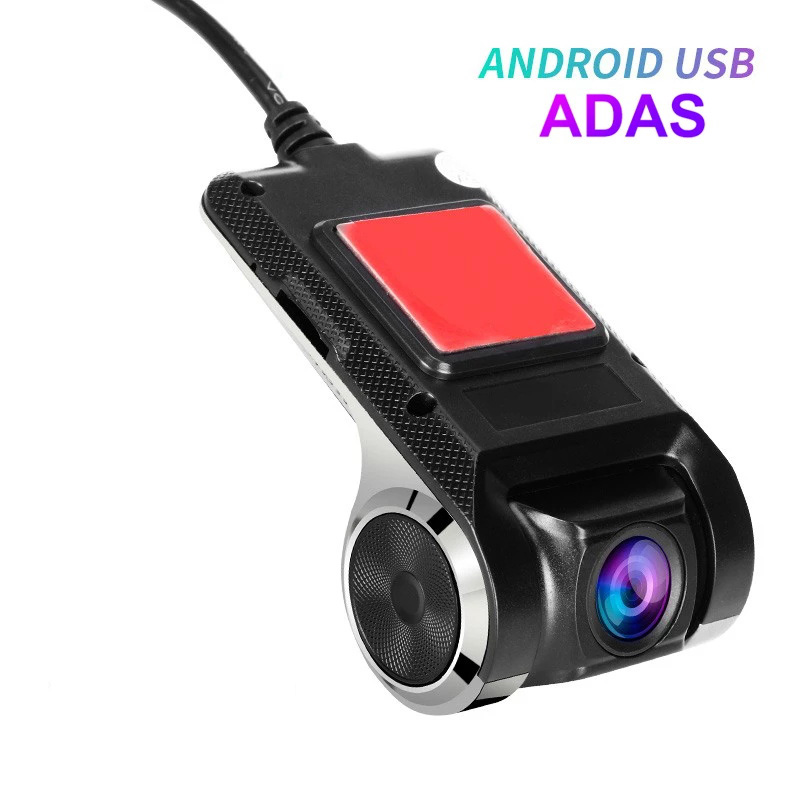
- This camera has been recently updated. The "ADAS" function has been added (measures distance to the vehicle ahead). You will see the ADAS function after updating the app to the latest version.
- Q1: How do I install this camera?
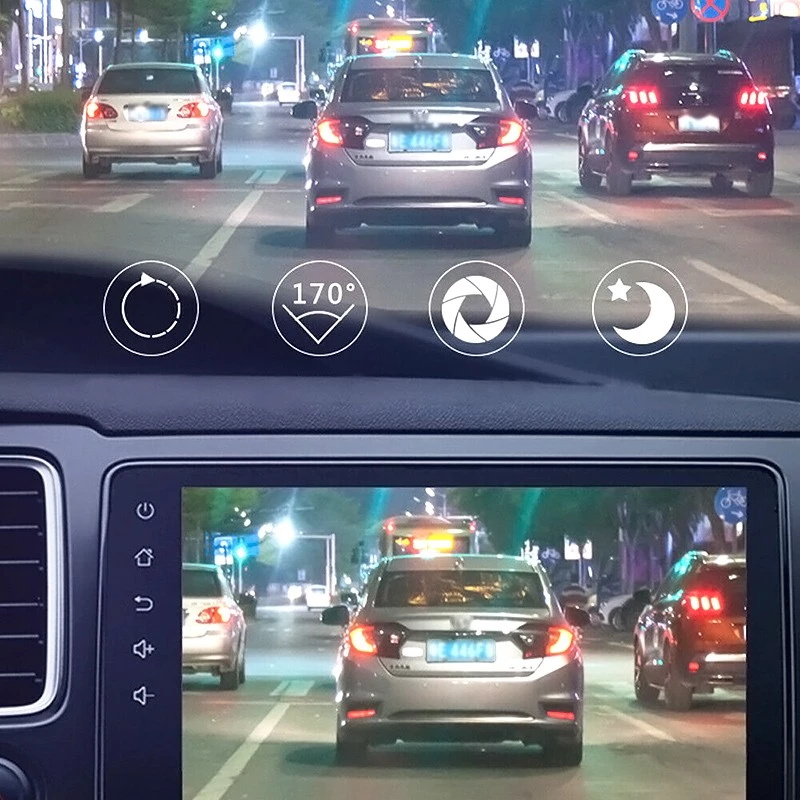
- 1. Connect this camera to your car multimedia player (Android 4.0 or higher) as shown in the video.
- 2. Find the file management option on the main interface of the car player, go into file management and find the external USB storage disk.
- 3. Click on the external USB storage disk and find the APK file, then click to install.
- 4. After installing the app, open the app, and you will see the camera start working.
- Note
- 1. Please make sure your car multimedia player is Android 4.0 or higher.
- 2. Please follow the steps above to install this camera. (Do not use any other "DVR" app to operate this camera. You should install this camera's app.)
- 3. Please connect this camera to the USB port of your car multimedia player. (If you connect this camera to a wrong USB port, e.g., the USB port of the music player, it will not work.)
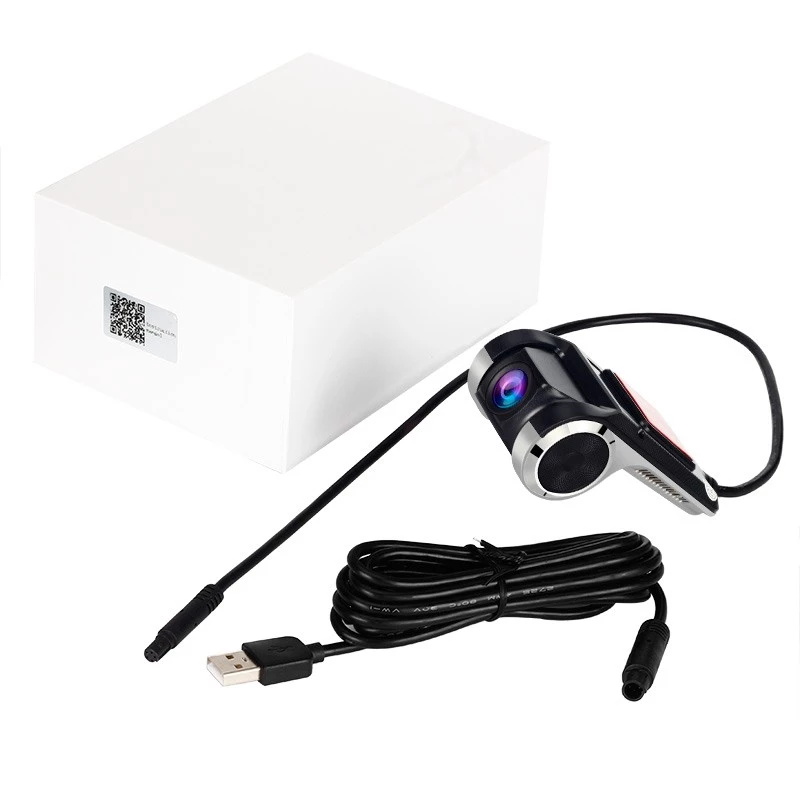
- Product includes
- 1 x Car DVR
- 1 x USB power cable
- 1 x User manual