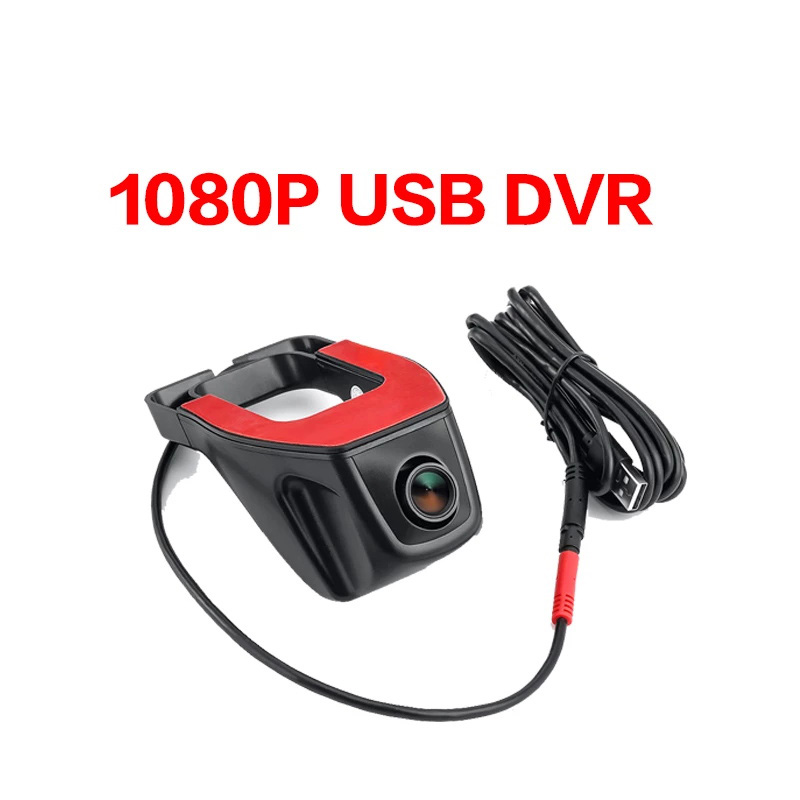
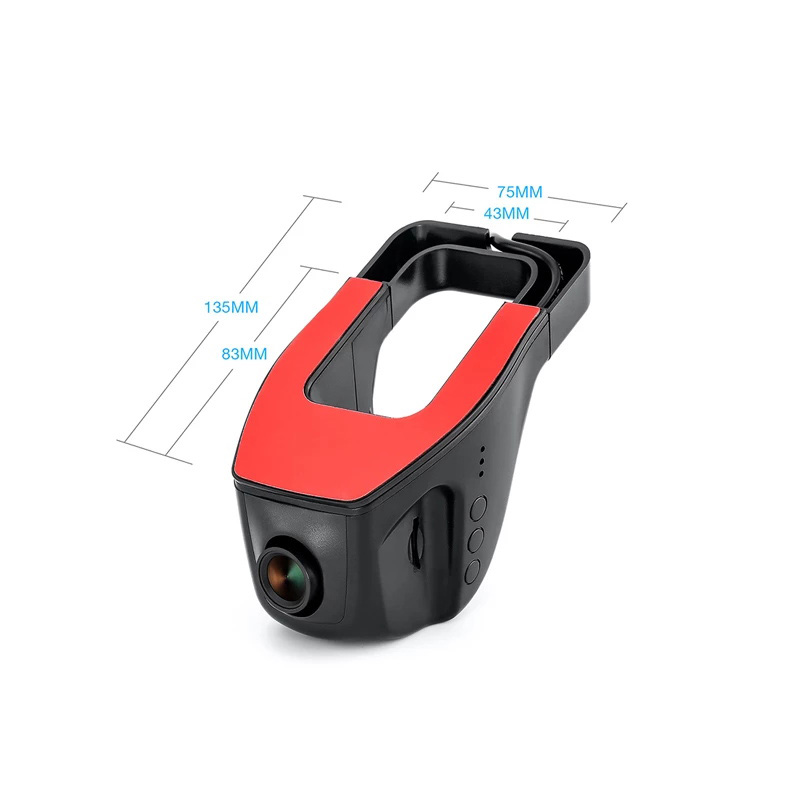
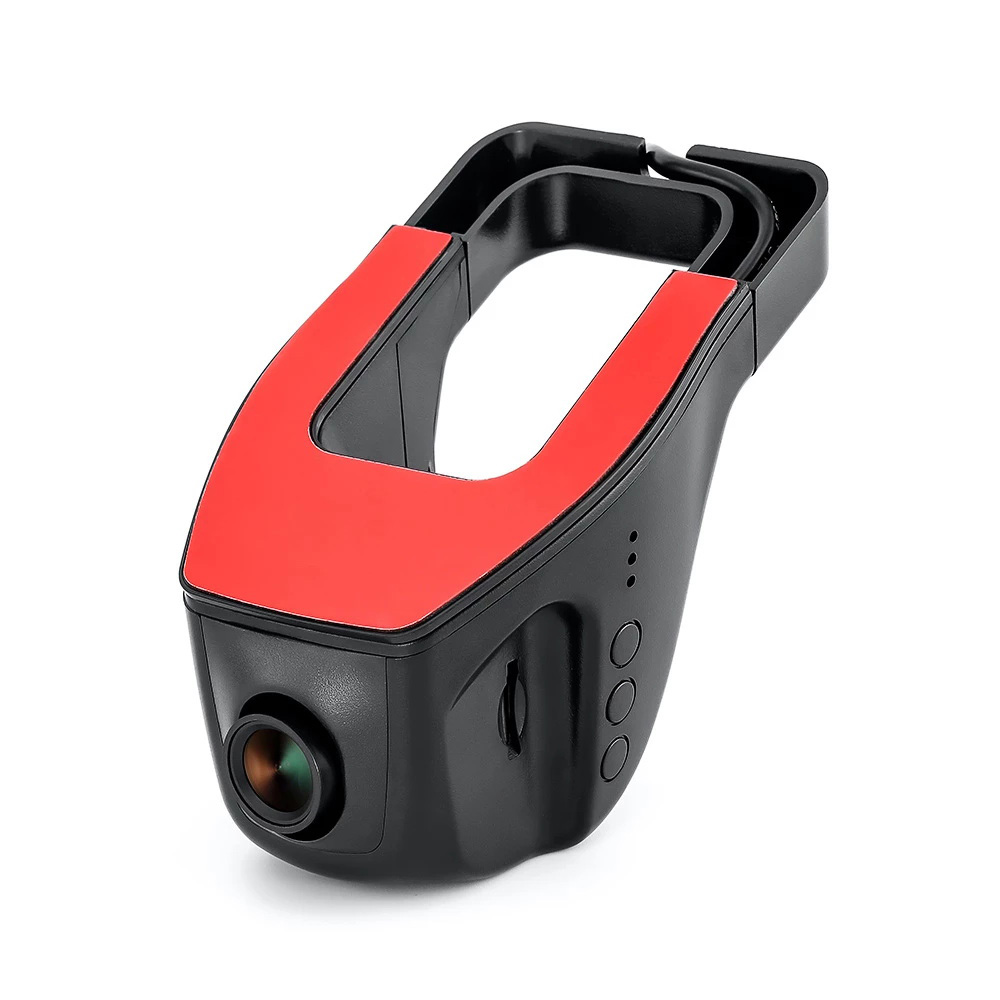
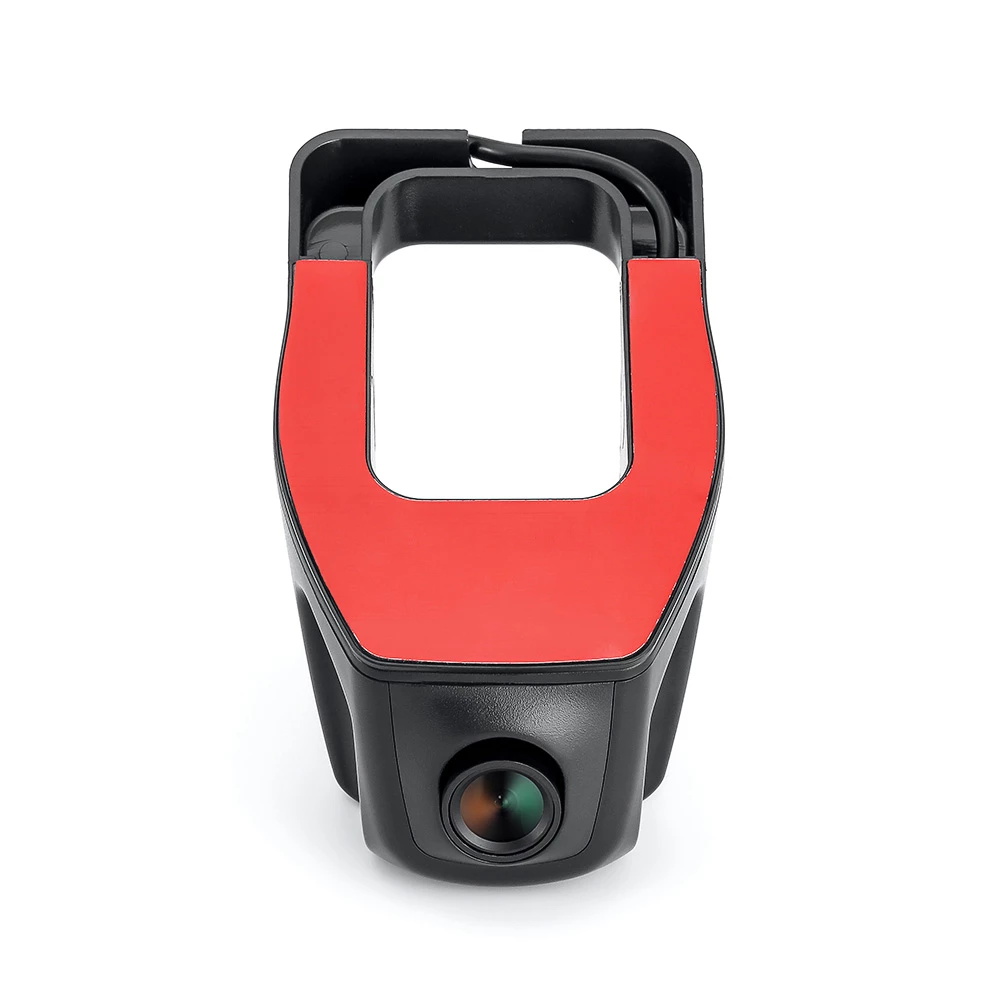
Vehicle Compatibility
Dashcam for Android multimedia; no vehicle reference
Product details and technical specifications
- Product features
- 1. It is a simple plug-and-play device.
- 2. It supports large screen display and full-screen touch.
- 3. It supports real-time display and playback at any time.
- 4. It supports USB digital signal transmission and has high resolution.
- 5. The cable comes with the HUB digital signal amplifier, which can accelerate video transmission.
- Installation of a DVR
- Step 1: Insert the memory card into the slot of the DVR. Do not confuse the front and back of the card.
- Step 2: Connect the USB interface of this device to the USB interface of the GPS car radio.
- Step 3: The APK is installed on the DVR. Simply open the file manager of the Android stereo, find it and install the APK.
- Step 4: Click on the APP setting and set appropriate parameters and the storage path.
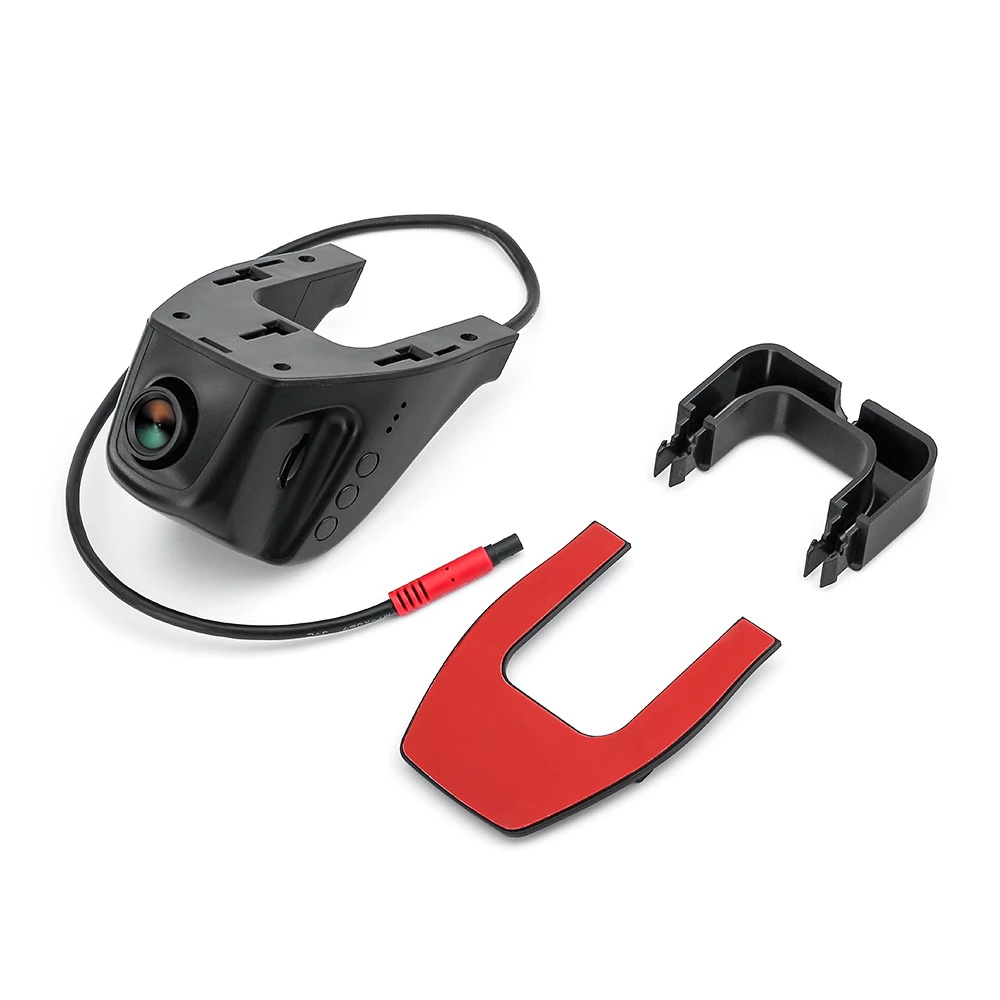
- Step 5: Attach the 3M adhesive, adjust the angle of the DVR and then route the cables.
- Please note
- The installation process of this unit is a damage-free installation.