-
 files/c11548ee27.jpg
-
 files/176b065e38.jpg
-
 files/e19193c4d0.jpg
-
 files/f37e59eb66.jpg
-
 files/97b40a5d99.jpg
-
 files/9bc70cee3f.jpg
-
 files/05e1600337.jpg
-
 files/bf066b8cd3.jpg
-
 files/1043e1402c.jpg
-
 files/11fe14a77c.jpg
-
 files/994e5f995c.jpg
-
 files/30cb8a1a1a.jpg


Product Overview
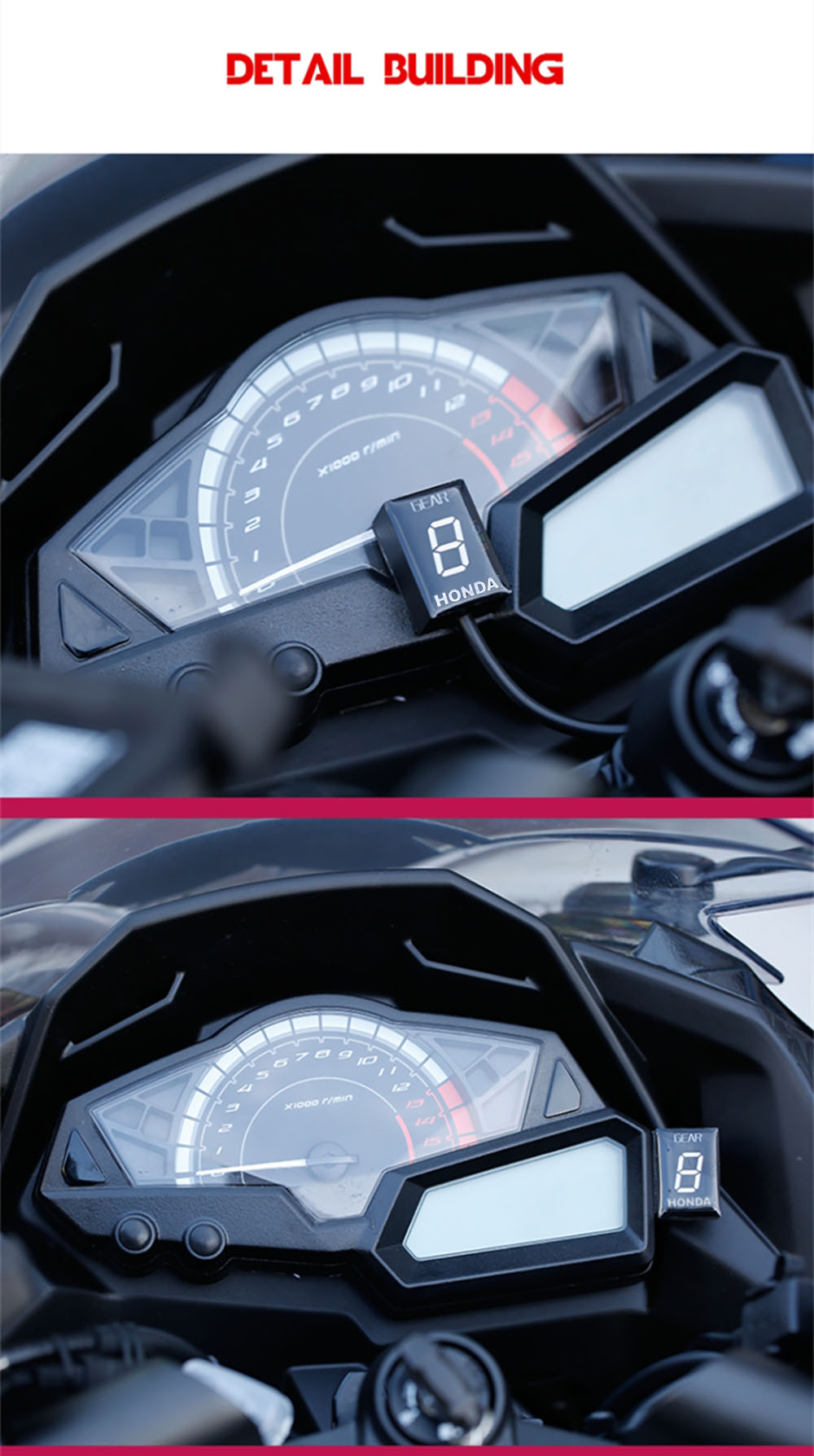
Displays the current gear number. Shows the current gear from 1 to a maximum of 6, as well as a neutral indicator. Detects the current gear faster than other gear displays that use a speedometer/tachometer signal. The display can be mounted anywhere.
Details
- Description
- Condition: 100% brand new
- Light source color: Red / Blue / Green
- Item name: Speed indicator
- Size: 4 cm * 4 cm * 4 cm / 1.57 in * 1.57 in * 1.57 in
- Features
- Displays the current gear number
- Displays the current gear from 1 to a maximum of 6 as well as a neutral indicator
- Detects the current gear faster than other gear indicators that use a speedometer / tachometer signal
- The display can be mounted anywhere
- Installation
- Locate the RED 4-pin diagnostic connector (DLC), usually near the ECU box. It may have a removable cap and is partially covered with black tape
- Steps
- You need to set up this module after installation. Only perform the setup when the engine is warm so that the idle speed is normal. Find a long, straight road with little traffic. The device does not learn the same gear twice, this makes it easy to set up on the road. If necessary, you can even downshift and stop during the setup. Do not stare at the display, watch the road and drive as always with utmost care! Turn on the ignition. The display counts backwards (6 to 1) to indicate that the memory is cleared. When 'L' blinks, start the engine in neutral and let the engine idle. When the display blinks '1', engage second gear. Release the clutch and start normally. The display blinks faster as the device learns the gear. When 'n' (next) appears on the display, shift to the next gear. Repeat this process until all gears are accounted for. In the top gear, wait until 'o' (over) appears and the display stops blinking. The device is now programmed and should display all gears correctly. When the ignition is turned on, the display counts up (1 to 6) to indicate that it is programmed and fully functional.
- Reset
- If some gears are not displayed correctly, reset the device and set it up again. If you change your transmission (install a new front or rear sprocket) or install a speedometer (or other speedometer calibrator), you will likely need to reset and set up again. Turn the device off 6 times in a row while the display is counting up and showing 3, 4 or 5. You can turn the display on and off by turning the ignition key on and off. The display counts backwards (6 to 1). The memory is now cleared and you can perform the setup procedure.